
Built for Shopify
Add fees, surcharges and tariffs to your Shopify store
Charge for gift wrap, handling, deposits, rush orders, insurance and import duties. Attach fees to specific products or the whole cart, and show them as clear line items before checkout.

4.6 out of 5 rating on











Features
Charge fees for anything your store does extra
Rush delivery, special handling, gift wrap, shipping insurance, bottle deposits (Pfand), international tariffs and product add-ons. Set it once, and UpCharge adds the right fee to the right cart automatically.


How it works
Set up your first fee in about 10 minutes
No code and no theme edits. Create a fee, set the rules, publish.

1. Create the fee.
Choose a product fee or a cart fee, then decide if it’s required or optional.
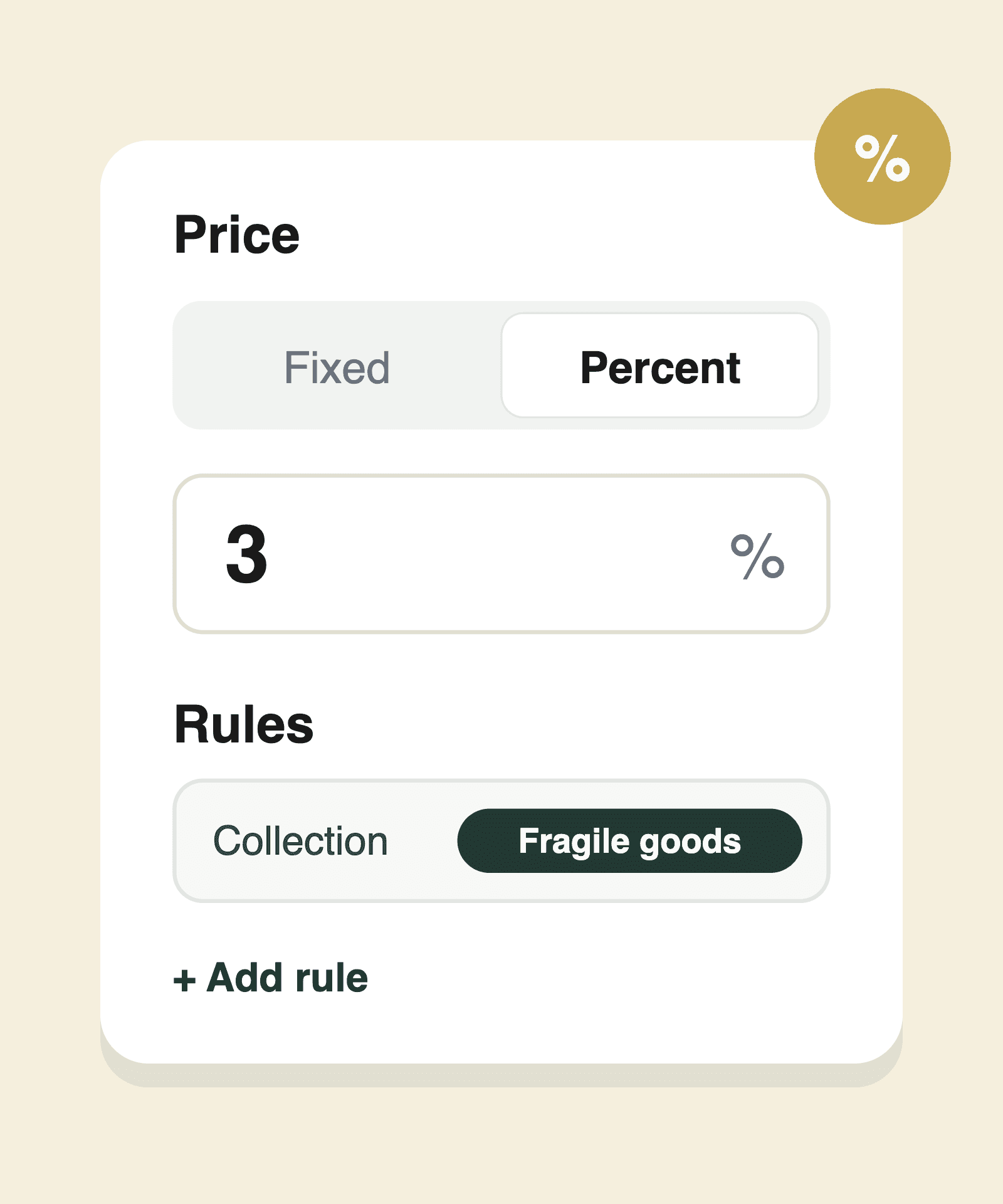
2. Set the price and rules.
Choose a fixed amount or a percentage, then pick which products, customers or locations it applies to.
3. Publish and test.
The fee appears in your cart as a clear line item. Each fee is a real Shopify product, so taxes and sales reports work as usual.

Fee types
Popular fees Shopify stores charge with UpCharge
Pick a starting point. Each guide shows real prices and the exact setup.

Gift wrapping
Optional per-item add-on with a checkbox. One of the highest-margin extras you can sell.
Bottle deposits
Required, and scales with quantity

Rush processing
Charged once per order for faster dispatch


Shipping protection
A percentage with a minimum and maximum
Fragile handling
Only on the products that need it

Import tariffs
By Shopify Market or visitor country

Small-order fee
For carts under a set total

Payment method fees
At checkout, based on payment method

Works with
Works with Shopify checkout, POS and Markets
Pick where you sell and see how the fee shows up.
Online store cart

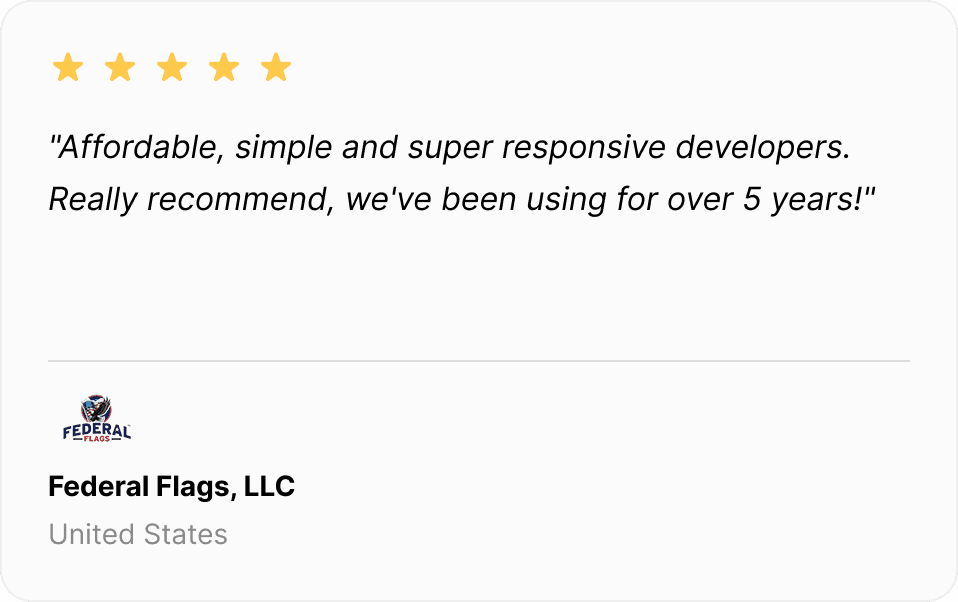
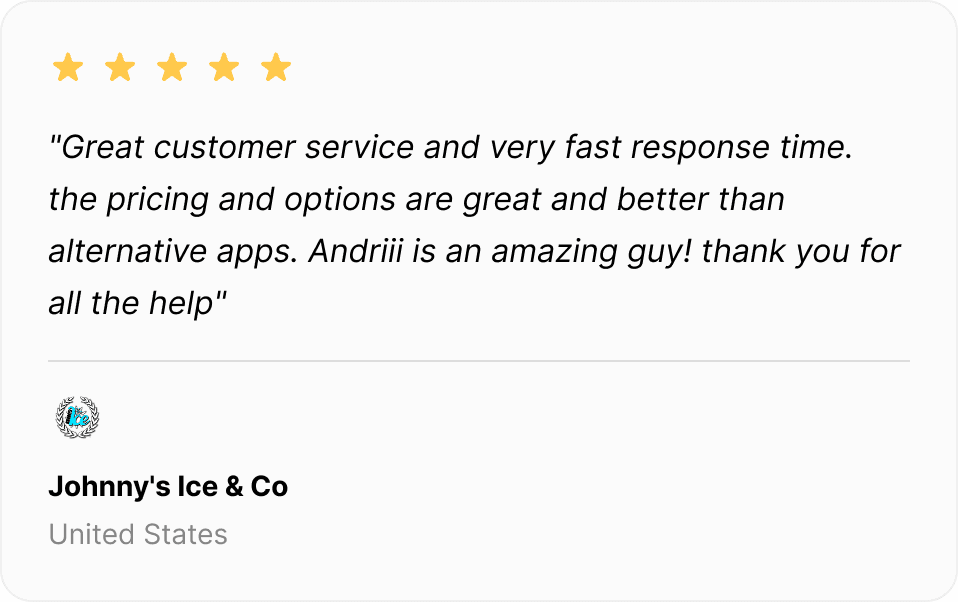
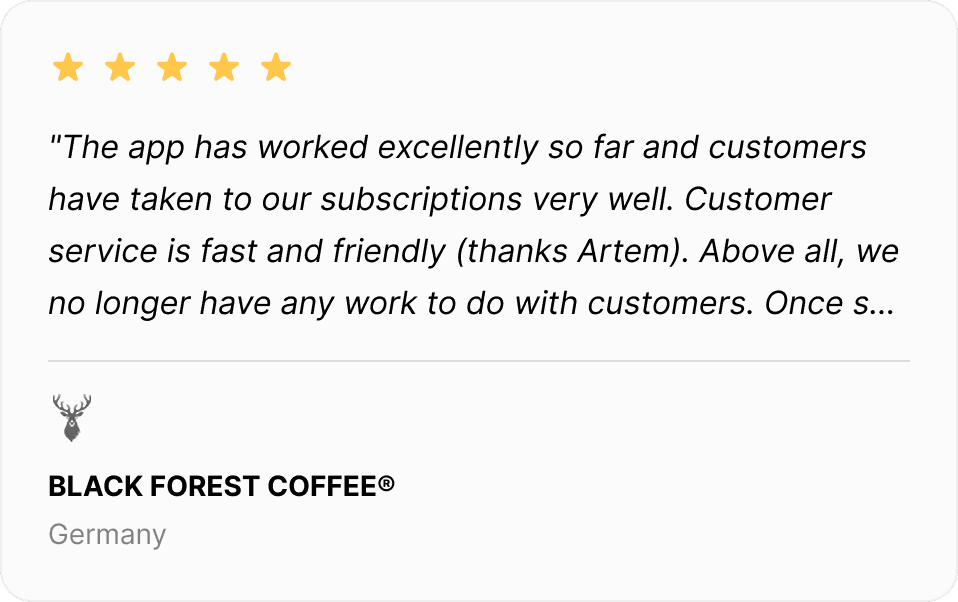
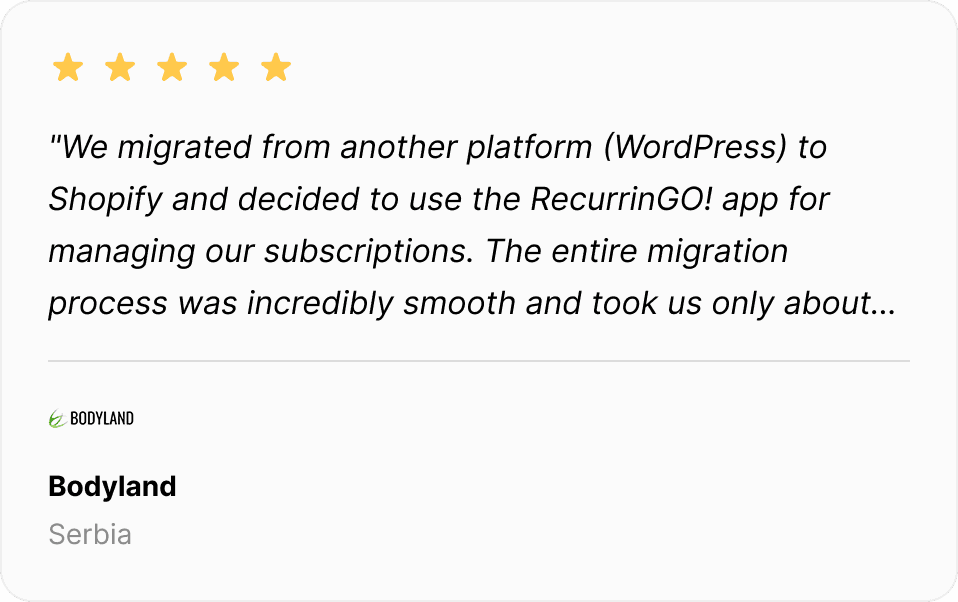
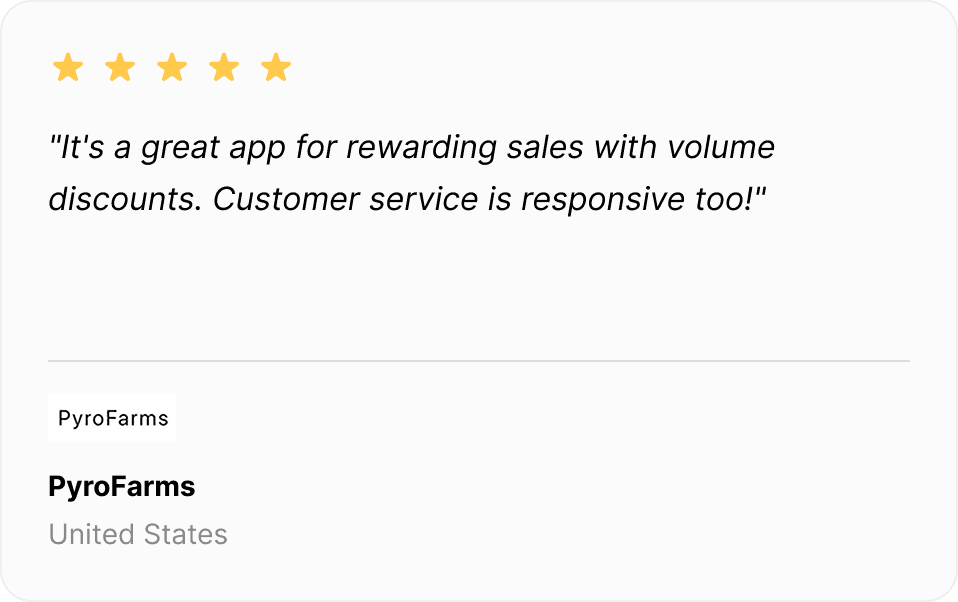
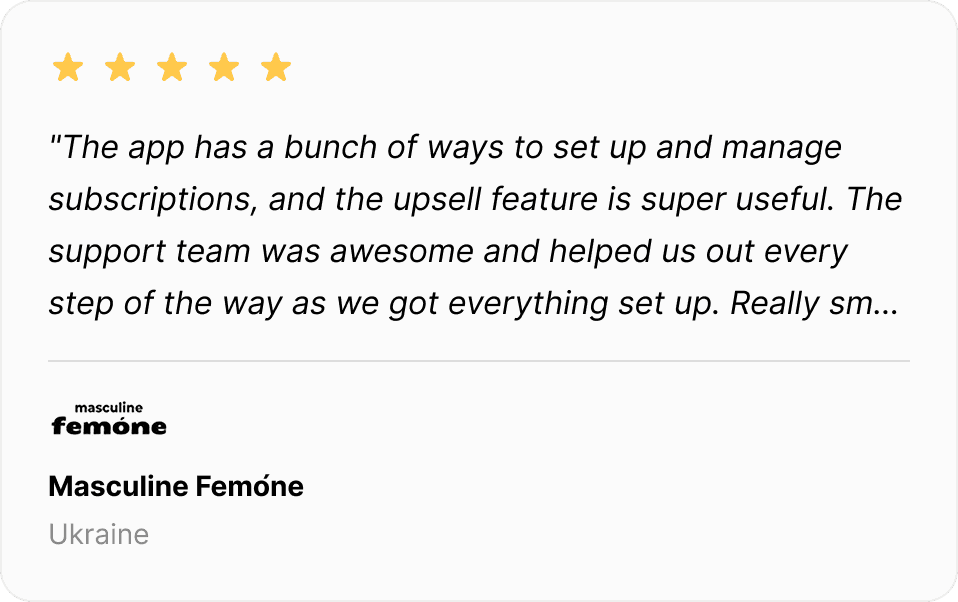
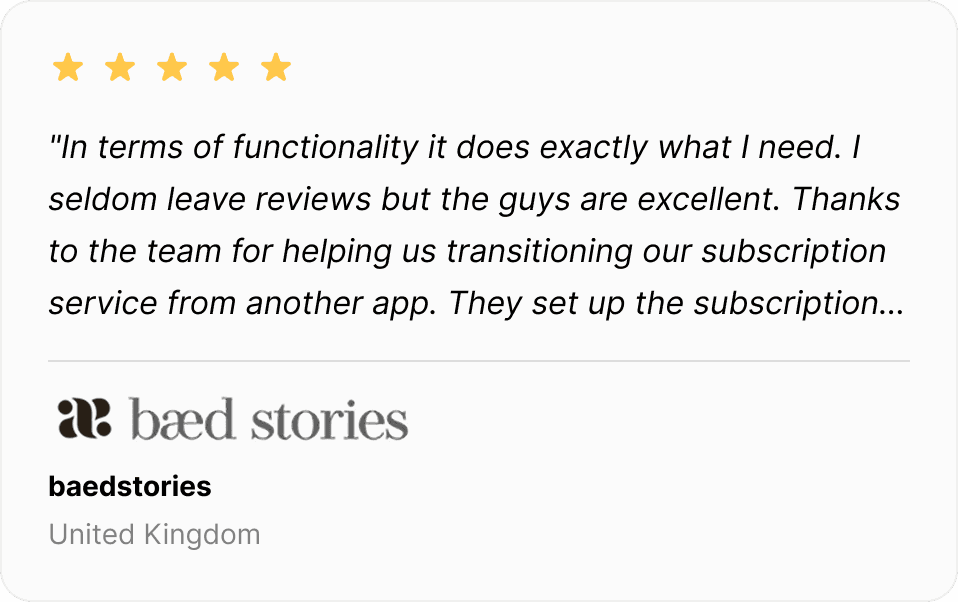
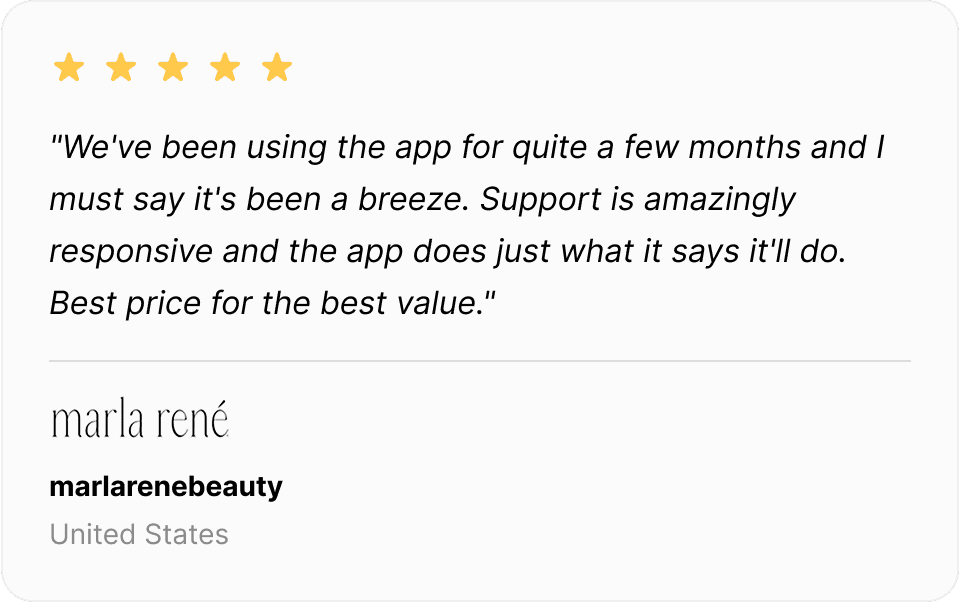
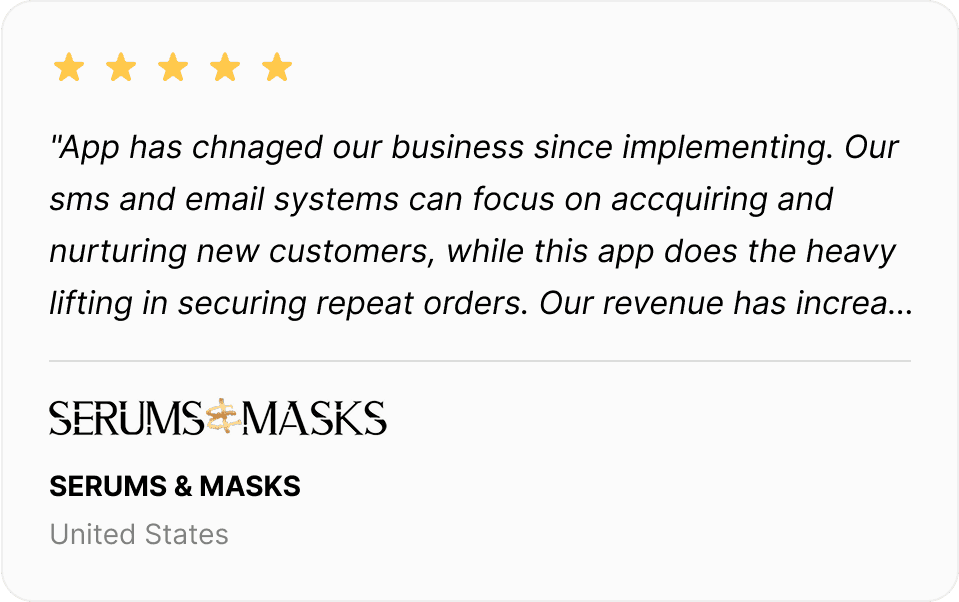
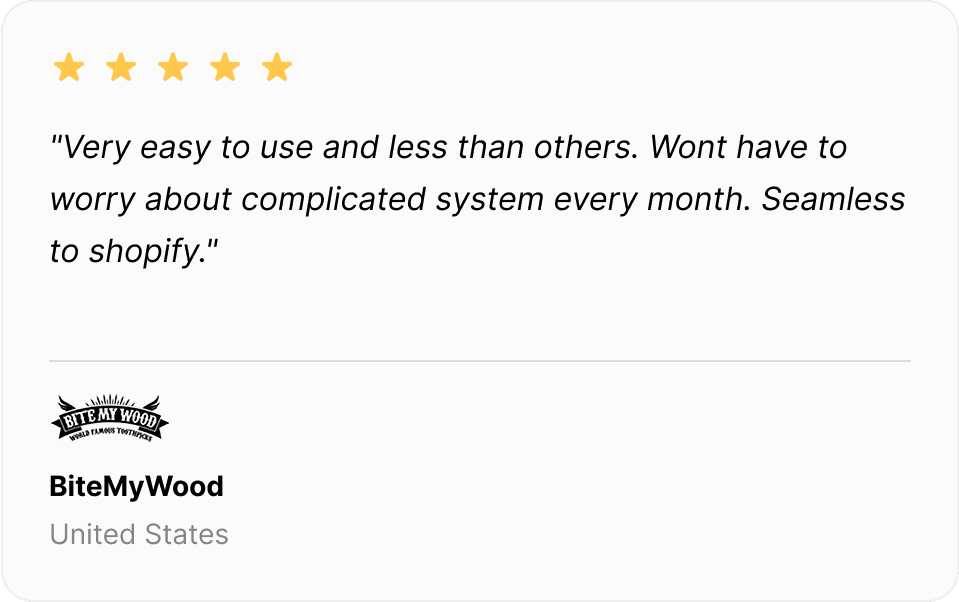
Trusted by 4,000+ Shopify merchants!
Thousands of Shopify merchants use UpCharge to for handling additional fees.


Pricing
Simple pricing
Development stores
Free on Shopify development stores, with full features for testing
Basic
Unlimited fees, fixed and percentage, required and optional, tariffs, Markets, POS
Shopify Plus
Everything in Basic, plus checkout fees, payment and shipping method fees, and priority setup
14-day free trial on paid plans, billed through Shopify.
FAQ
Frequently Asked Questions
Have more questions? Contact us via live chat.
How does Upcharge work?
Is Upcharge compatible with all Shopify stores?
Do you offer a free trial for Upcharge?
Does Upcharge work with Shopify’s native payment system?
What kind of support do you provide for Upcharge?

